The ALink family — refined, reliable, made to be used.
A Linux terminal,
right on your iPhone.
ALink Apps
Version 1.0.0 · for iPhone
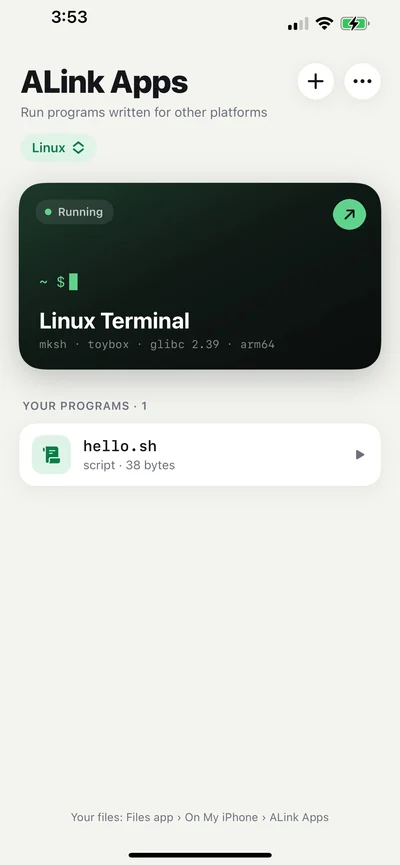
ALink Apps runs command-line programs written for arm64 Linux on your iPhone. Open the terminal for a shell with about 240 standard commands, or bring in your own programs through the Files app. Everything runs on the iPhone itself, even offline.
Requires an iPhone with iOS 15 or later. Command-line programs only.
- Linux shell
- About 240 commands
- Your own programs
- Runs locally
- Works offline
- No jailbreak
- 22 languages
- iOS 15 or later
A command line that fits in your pocket.
For developers and anyone at home in a shell.
A real shell
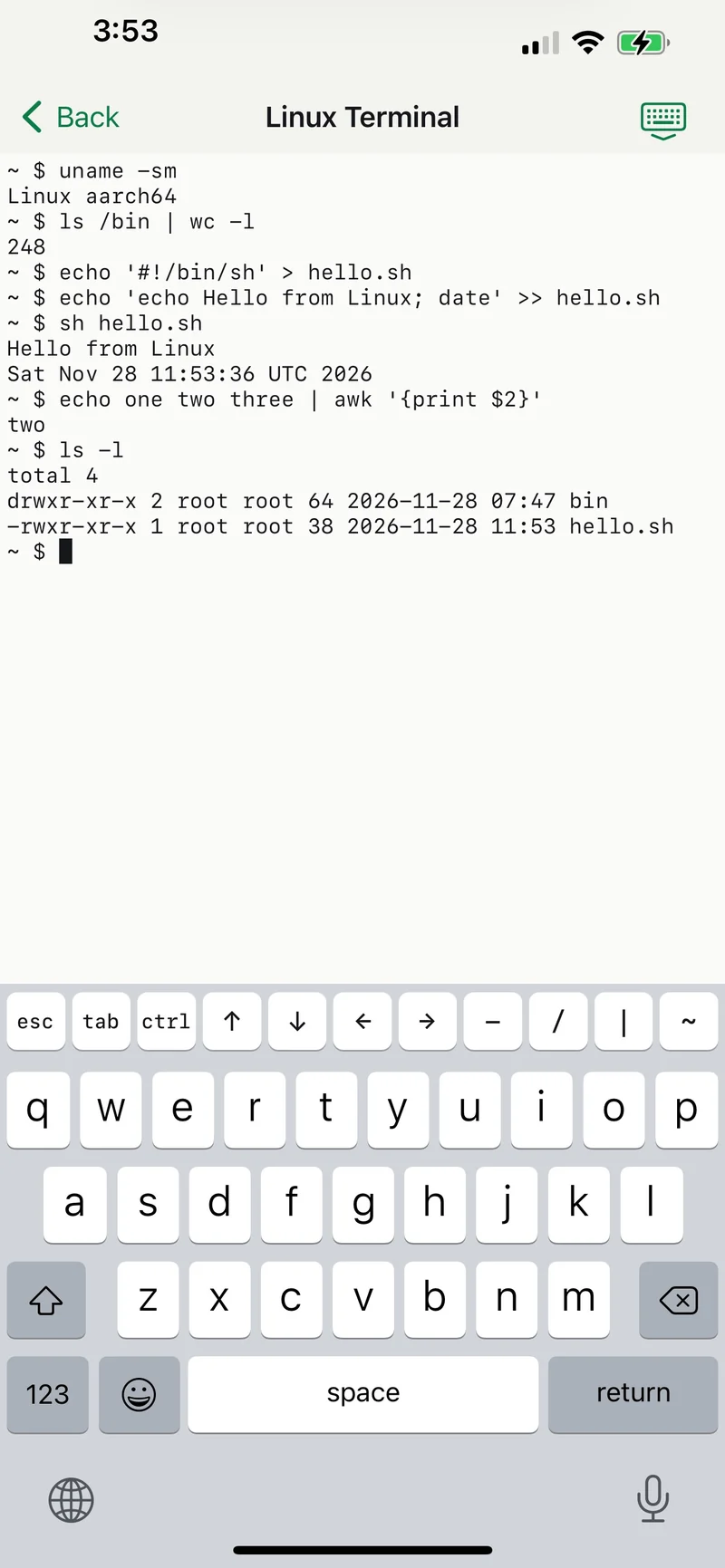
mksh with the toybox command set: ls, grep, sed, awk, tar, vi and about 240 commands in all. Pipes, redirection and scripts work.
Run your own programs
A tool you built, a script, a test binary: arm64 Linux programs run as they are, statically linked or linked against glibc.
One folder, shared with Files
Your files live in this app's folder in the Files app. Drop a program in and it appears on the first page, ready to run.
A terminal made for a phone
Esc, Tab, Ctrl and arrow keys sit above the keyboard. Paste, scroll-back and external keyboards are supported.
Standard libraries included
glibc 2.39 and libstdc++ are included, so ordinary C and C++ programs need no rebuilding.
Light, dark, 22 languages
The interface follows your iPhone's appearance and language.
No virtual machine. No cloud.
For the technically curious.
The Linux interface, reimplemented
ALink Apps implements the Linux system-call interface on top of iOS: processes, files, pipes, signals, terminals, networking. There is no kernel and no virtual machine.
Interpreted, instruction by instruction
arm64 Linux programs are run by a purpose-built interpreter. Nothing is compiled or generated on the device, and no JIT is needed.
Inside this app only
Programs see only this app's own folder. They cannot see other apps or reach the rest of your iPhone.
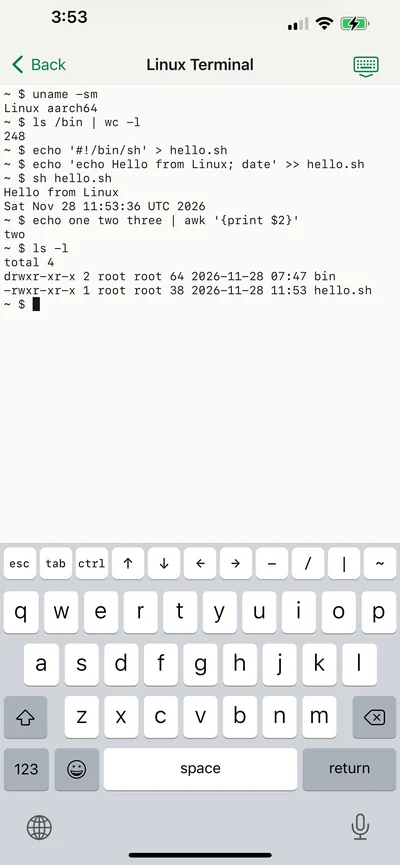
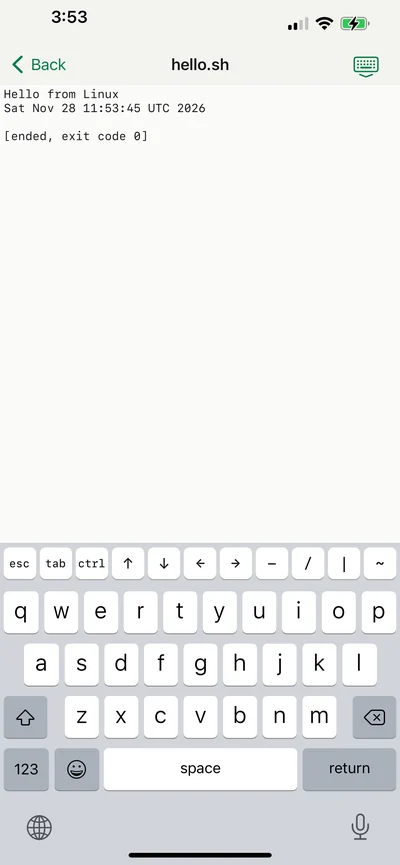
As it looks, on a real iPhone.
Captured on an iPhone 13 Pro Max.
What to expect, plainly.
Command line only
There is no graphical desktop. Linux programs with a graphical interface will not work.
Slower than a Linux machine
Programs are interpreted. Everyday command-line tools are fine; heavy computation is slow.
No package manager
The system has a fixed set of tools, plus what you bring.
Requirements
An iPhone with iOS 15 or later. No jailbreak needed.
Privacy
What you type, your files and your programs' output stay on your iPhone. Usage statistics and crash reports can be turned off.
Feedback
If something goes wrong, write to [email protected] or join the Telegram group.
Privacy Policy · Telegram group · Sample program (arm64 Linux) · Its source